
The NVIDIA GeForce RTX 5090 is an extremely powerful graphics card designed for demanding gaming, professional rendering, artificial intelligence workloads, and high-resolution graphics. However, its performance depends on more than its processing power. A reliable cooling system is essential to maintain stable temperatures, prevent excessive fan noise, and help the graphics card perform consistently during long sessions. 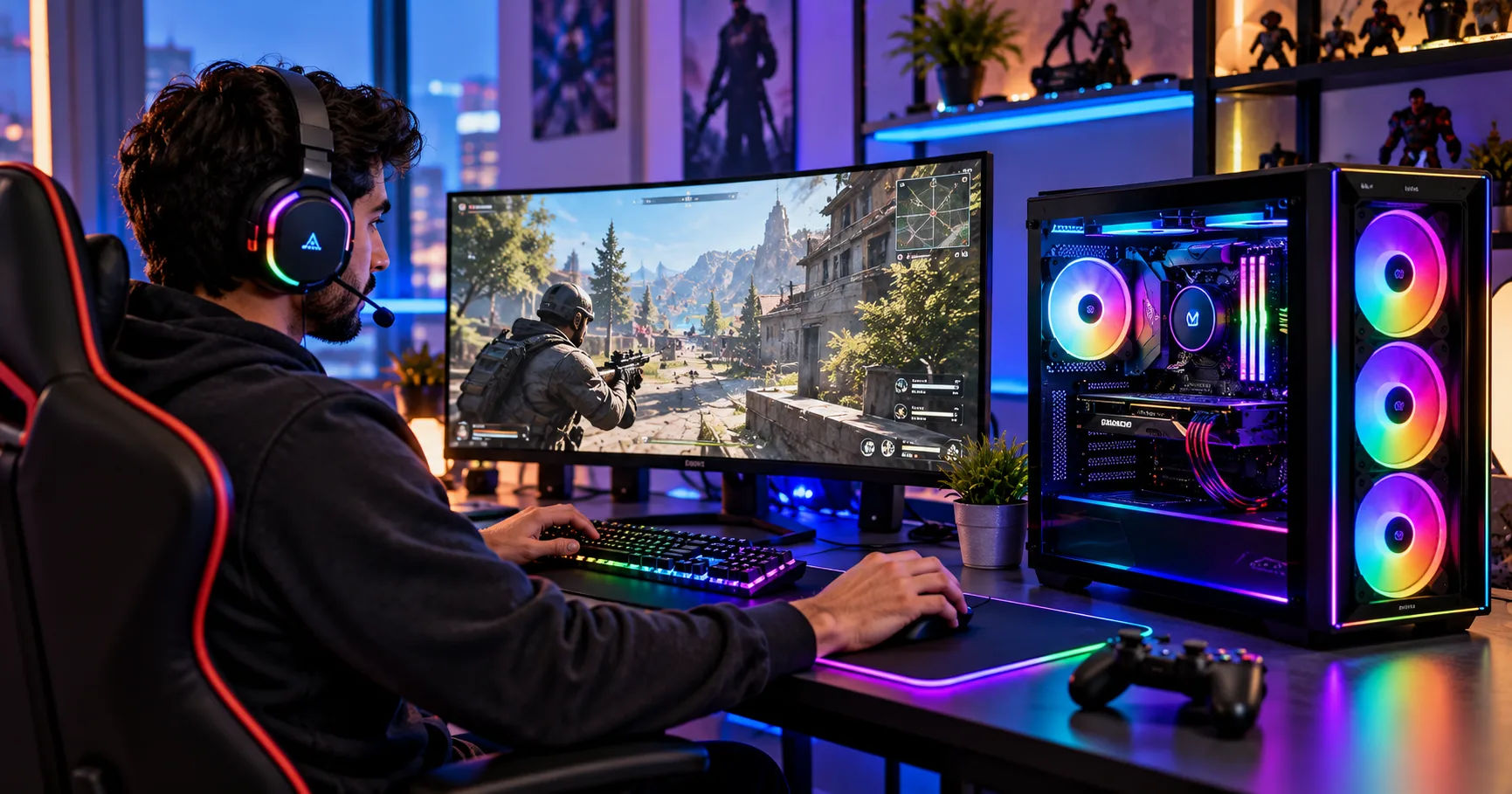 For anyone planning to build a high-end PC in the UAE, understanding cooling requirements is an important step before making a purchase.
Dubai's climate makes this decision especially important. Outdoor temperatures can become extremely high, and even air-conditioned rooms may experience additional heat from powerful computer components. Choosing the right cooling setup helps protect the entire system and creates a more comfortable gaming environment.
If you are researching rtx 5090 buy in dubai, you should understand that the graphics card itself has a cooling system, but the PC case, airflow, room temperature, and power supply also affect its thermal performance. The best setup depends on your computer case, the exact RTX 5090 model, your workload, and how much noise you are willing to tolerate.
This comprehensive guide explains the cooling requirements of the RTX 5090, the difference between air and liquid cooling, and the practical steps you can take to keep your system running efficiently in Dubai.
The RTX 5090's Cooling Requirements
The RTX 5090 belongs to NVIDIA's flagship graphics card family. It is designed for demanding workloads that can generate considerable heat, particularly when the GPU operates near its maximum power limit for extended periods.
Why Does the RTX 5090 Produce So Much Heat?
A graphics card converts electrical energy into computing power, but not all that energy becomes useful work. A significant portion becomes heat that must be removed from the GPU, memory chips, voltage regulation components, and other parts of the board.
The standard RTX 5090 has a total graphics power rating of approximately 575 watts. This is a substantial amount of heat for one component to manage, particularly when the card is installed in a compact computer case.
For perspective, a 575-watt heat load is comparable to running several ordinary household appliances at once, although the actual comparison depends on the appliances involved. The important point is that the graphics card needs a clear path to move hot air away from its components.
Does the RTX 5090 Come With Built-In Cooling?
Yes. Retail RTX 5090 graphics cards come with integrated cooling solutions, although the exact design varies by manufacturer and model.
NVIDIA's Founders Edition uses a carefully designed air-cooling system with fans, a heatsink, and heat-transfer components. Third-party versions from manufacturers such as ASUS, MSI, and GIGABYTE may feature different heatsink sizes, fan arrangements, vapor chambers, and factory overclocks.
These systems are designed to cool the GPU without requiring a separate liquid-cooling loop.
However, built-in cooling does not eliminate the need for proper case ventilation. If hot air remains trapped inside the computer, the graphics card may run warmer, increase its fan speed, or reduce its operating frequency to manage temperatures.
Air Cooling vs. Liquid Cooling for the RTX 5090
Choosing between air cooling and liquid cooling is one of the main decisions when planning a high-performance gaming PC. Both methods can work well in Dubai, provided the system is designed correctly.
Air Cooling: A Practical Choice for Most Users
Air cooling uses fans and metal heatsinks to transfer heat away from the graphics card. Most RTX 5090 models already include a substantial air-cooling assembly.
The main advantage is simplicity. You do not need a pump, radiator, coolant tubing, or additional liquid-cooling maintenance. A good air-cooled model can provide excellent performance for gaming, video editing, and other demanding workloads.
Air cooling also makes troubleshooting easier because there are fewer components that can fail. If a fan develops a problem, it can often be replaced without rebuilding an entire liquid-cooling system.
The limitation is that air-cooled cards can be large and heavy. Their fans may also become audible under sustained workloads, particularly when the room is warm or case ventilation is inadequate.
For buyers considering an rtx 5090 buy in dubai, air cooling is a sensible option if the computer has enough space, well-positioned case fans, and reliable air conditioning.
Liquid Cooling: Better for Certain Builds
Liquid cooling transfers heat from a component to a radiator, where fans release it into the surrounding air. Some RTX 5090 variants feature factory-installed liquid cooling, while others can be fitted with compatible aftermarket water blocks.
A properly designed liquid-cooled graphics card may maintain lower temperatures or operate more quietly under certain workloads. It can also help move heat away from the immediate area around the graphics card.
However, liquid cooling is not automatically better in every situation. Results depend on radiator size, pump performance, fan configuration, coolant temperature, and case airflow.
Liquid-cooled cards also require more installation space and introduce additional components. Pumps can fail, and custom loops require periodic maintenance. An all-in-one liquid-cooled GPU may need replacement as a complete unit if its pump or sealed cooling system fails.
For most gamers, a high-quality air-cooled RTX 5090 is sufficient. Liquid cooling is worth considering when you want a quieter premium build, sustained heavy workloads, or a custom PC with specific thermal and aesthetic goals.
How Dubai's Climate Affects GPU Cooling
Dubai's hot climate makes cooling an important consideration, but outdoor temperatures alone do not determine your graphics card's operating temperature. What matters most is the temperature of the air entering your PC and how efficiently the system removes heat.
Room Temperature and Air Conditioning
Air cooling works by transferring heat from components into the surrounding air. When the room is hotter, the cooling system has less temperature difference available to remove that heat.
For example, a PC operating in a room at 24°C will generally have more cooling headroom than the same PC operating at 32°C, assuming the hardware and workload remain similar.
Air conditioning can therefore make a substantial difference to a high-performance computer in Dubai. You do not necessarily need to keep your room extremely cold, but maintaining a comfortable, stable indoor temperature can help the cooling system work efficiently.
Dust and Airflow
Dust is another concern, especially if your PC sits near an open window, a dusty area, or a location with frequent construction activity.
Dust can collect on fan blades, radiator fins, and case filters. Over time, this buildup restricts airflow and reduces cooling efficiency.
Choose a case with accessible dust filters and clean them regularly. Avoid placing the computer directly on a dusty floor, and make sure its air intakes are not blocked by walls, furniture, or decorative panels.
Humidity and Condensation
Dubai experiences varying humidity levels throughout the year. Normal indoor humidity is generally manageable for a properly maintained PC.
The bigger concern is condensation. If a cold computer is exposed to warm, humid air, moisture can form on surfaces under certain conditions. This is especially relevant when transporting a PC between environments with significant temperature differences.
Allow equipment to reach room temperature before powering it on after such a move. Also, avoid extreme cooling modifications that could cause components to operate below the room's dew point.
Choosing the Right PC Case and Fan Configuration
A powerful GPU needs a case that supports its physical dimensions and allows air to move freely.
Check the Graphics Card's Dimensions
RTX 5090 cards vary in length, thickness, and height. Some occupy multiple expansion slots and can interfere with other components or cables.
Before buying, check the exact model's specifications against your case's maximum GPU length and available expansion-slot space. If you select a liquid-cooled model, you must also account for radiator thickness and fan placement.
Pay special attention to the power connector. The cable needs sufficient clearance and should not be sharply bent immediately where it connects to the graphics card.
Set Up Balanced Airflow
A practical airflow arrangement for a high-end PC includes:
-
Front or bottom intake fans that bring cool air into the case.
-
Rear or top exhaust fans that remove warm air.
-
Clear space around the graphics card's fans and intake areas.
-
Clean dust filters and unobstructed vents.
The exact configuration depends on the case design. More fans do not always mean better cooling if their placement creates turbulence or restricts other airflow paths.
For a typical air-cooled RTX 5090 build, start with a well-ventilated case and a balanced intake-and-exhaust arrangement. Monitor temperatures during demanding games, then adjust fan curves if necessary.
Consider a Support Bracket
Large graphics cards can place considerable mechanical stress on the motherboard slot. A compatible GPU support bracket helps reduce sag and supports the card's weight.
Although a bracket does not directly improve cooling, correct installation helps protect the hardware and maintain proper clearance between components.
What Temperatures Should You Expect?
There is no single temperature that every RTX 5090 should maintain. Readings vary with room temperature, workload, fan speed, power settings, and the specific graphics card model.
A GPU temperature in the 60s or 70s Celsius during gaming may be entirely reasonable, depending on the circumstances. Temperatures can rise further during intensive workloads, and modern GPUs are designed to manage their operating conditions through automatic fan and frequency controls.
It is important to distinguish between the main GPU temperature and the hotter GPU hotspot reading. Memory temperatures may also be reported separately on compatible monitoring tools.
How to Monitor GPU Temperatures
You can use the graphics card manufacturer's software or a reputable hardware monitoring utility to observe:
-
GPU core temperature.
-
GPU hotspot temperature, when available.
-
Fan speed and noise.
-
Power consumption.
-
GPU clock speed and performance.
-
Memory temperature, when available.
Check these readings during an actual gaming session or rendering workload rather than relying only on idle temperatures.
If the GPU consistently runs unusually hot, its fans remain at very high speeds, or performance drops under sustained load, investigate the airflow, fan operation, dust buildup, and ambient temperature. Compare readings with the manufacturer's guidance for your exact model.
Do not assume that every high temperature indicates a fault, and do not rely on one universal temperature threshold for all RTX 5090 cards.
Power Supply and Cooling: Why Both Matter
The power supply does not cool the graphics card directly, but it plays an essential role in maintaining a stable high-performance PC.
The RTX 5090 has a rated graphics power of approximately 575 watts. The processor, motherboard, storage drives, fans, and other components consume additional power.
Choose a Suitable Power Supply
NVIDIA recommends a 1,000-watt system power supply for its standard RTX 5090 specifications, although the exact recommendation can vary with the processor, graphics card design, and overall configuration.
Choose a reputable unit with sufficient capacity, appropriate connectors, and the required power-delivery specifications. A quality ATX 3.1 power supply can be a practical choice for a new build because compatible models support modern GPU power requirements.
Avoid using cheap adapters or forcing a connector into place. Ensure the GPU power plug is fully seated and follow the graphics card manufacturer's cable-routing instructions.
Reduce Unnecessary Heat
You can also reduce heat production by adjusting settings carefully.
A modest GPU power limit reduction or undervolt may lower power consumption while preserving much of the card's performance. However, results depend on the individual GPU and workload, and unstable settings can cause crashes or graphical errors.
Start with the manufacturer's default settings. Make changes gradually and test them with demanding games or benchmarks before relying on them for everyday use.
How to Maintain RTX 5090 Cooling in Dubai
Regular maintenance helps preserve cooling performance and reduces the risk of problems developing unnoticed.
Clean the PC Regularly
Inspect dust filters and intake vents every few weeks, particularly if your room is dusty. Clean them when needed, and inspect the GPU heatsink and case fans periodically.
Power down and unplug the computer before cleaning it. Use suitable compressed air carefully, preventing fans from spinning uncontrollably. Avoid opening the graphics card or removing its heatsink unless you understand the warranty implications and have the necessary experience.
Adjust Fan Curves Carefully
Most graphics cards allow users to adjust fan behavior. A more aggressive fan curve can improve temperatures but increase noise, while a quieter curve may allow higher operating temperatures.
Choose a balanced setting that keeps the GPU within its manufacturer's recommended operating limits without creating unnecessary noise.
Leave Room for Maintenance
Place the PC where you can access its filters, cables, and rear exhaust without difficulty. Avoid enclosing a powerful computer inside a cabinet with inadequate ventilation.
For liquid-cooled builds, inspect the radiator and fans regularly. Follow the manufacturer's maintenance instructions, and never open a sealed all-in-one cooling unit unless the manufacturer explicitly supports that procedure.
Common Cooling Mistakes to Avoid
Several mistakes can undermine even an expensive graphics card's cooling system.
Choosing a case that is too small: A card may technically fit but leave insufficient space for airflow or safe cable routing.
Ignoring room temperature: A powerful cooling system cannot remove heat as effectively when its intake air is already hot.
Assuming liquid cooling solves everything: Radiators still need fresh air, and their heat must be exhausted from the case.
Blocking the fans: Furniture, walls, and poorly positioned cables can restrict airflow.
Using an inadequate power supply: An unsuitable PSU can create reliability and safety concerns regardless of GPU cooling quality.
Ignoring unusual noise or performance changes: Persistent fan noise, unexpected shutdowns, or declining performance deserve investigation rather than being dismissed as normal.
What Should Buyers Check Before Purchasing in Dubai?
Before choosing a graphics card, confirm the exact model, warranty terms, and compatibility with your existing or planned PC.
When researching an rtx 5090 buy in dubai, compare the cooling design of individual models instead of assuming every RTX 5090 performs identically. Check whether the card uses air cooling or liquid cooling, its dimensions, its power requirements, and the manufacturer's support arrangements in the UAE.
Also consider the full cost of the build. A suitable case, adequate power supply, quality case fans, and dependable air conditioning may be more useful than spending extra money on a complicated cooling system that your workload does not require.
Buy from a reputable retailer and verify the warranty's regional coverage. Ask whether any liquid-cooling model has specific installation or servicing requirements.
Recommended Cooling Setup for Different Users
The best cooling arrangement depends on how you intend to use your computer.
For Gaming
A well-ventilated case, the RTX 5090's built-in air cooler, and several properly positioned case fans will usually provide a strong starting point. Maintain a comfortable indoor temperature and monitor GPU performance during demanding games.
For 3D Rendering and AI Workloads
Long rendering sessions and intensive computing tasks can keep the GPU under sustained load. Prioritize consistent airflow, sufficient case space, and a cooling solution designed for prolonged operation.
Liquid cooling may be worth considering if noise levels are important or if your particular build benefits from a large radiator. Nevertheless, a well-designed air-cooled setup can still be effective.
For Quiet, Premium Builds
If you want a quieter computer, consider a spacious case, high-quality fans, sensible fan curves, and a GPU model with a capable cooling assembly. Liquid cooling is another option, but compare real-world noise and temperature performance before paying extra.
Conclusion
Cooling is one of the most important considerations when building a computer around NVIDIA's flagship RTX 5090 graphics card. Its approximately 575-watt graphics power rating means that it can produce substantial heat during demanding workloads, so selecting the right cooling arrangement is essential for reliable performance.
For most users in Dubai, a high-quality air-cooled RTX 5090 combined with a spacious, well-ventilated PC case is an excellent starting point. The card's built-in cooling system handles heat from the GPU, while strategically positioned case fans remove warm air and bring cooler air into the system. Regular cleaning and unobstructed airflow help maintain that performance over time.
Dubai's climate adds another consideration. Air conditioning can help maintain a lower and more stable intake temperature, giving the graphics card more cooling headroom. Keeping the PC away from dusty areas, cleaning its filters, and avoiding enclosed spaces with poor ventilation can also make a meaningful difference.
Liquid cooling is worth considering for enthusiasts who prioritize low noise, sustained workloads, or a custom-built system. However, it is not a requirement for every RTX 5090 computer. A liquid-cooled graphics card still needs suitable radiator space, effective airflow, and proper installation. Its additional complexity should be justified by your particular needs.
Power supply selection is equally important. A suitable, high-quality PSU with the required connectors helps support the GPU and the rest of the system. Proper cable routing, adequate clearance, and a GPU support bracket are additional details that should not be overlooked.
If you are researching rtx 5090 buy in dubai, focus on the complete PC configuration rather than the graphics card alone. Check the exact model's dimensions, cooling design, power requirements, warranty coverage, and compatibility with your case. Once the system is assembled, monitor temperatures and fan speeds under real workloads, and adjust settings only when necessary.
Ultimately, the right cooling solution is the one that keeps your RTX 5090 operating within its manufacturer's recommended limits while balancing performance, noise, reliability, and cost. With suitable hardware, effective ventilation, and regular maintenance, you can build a powerful gaming or workstation PC that performs reliably in Dubai's demanding climate.
